A PDF, DOC, or DOCX file under 40MB to send for signature
The examples below use the production base URL https://api.formabledocs.com/v1. Replace $TOKEN with your API key (it starts with fmbl_). Prefer a typed client? The same four calls are in the official SDKs.
Upload your document as multipart/form-data. Formable returns a templateId you’ll use to send the document. Optionally pass signer_roles so you can assign roles to fields in the editor.
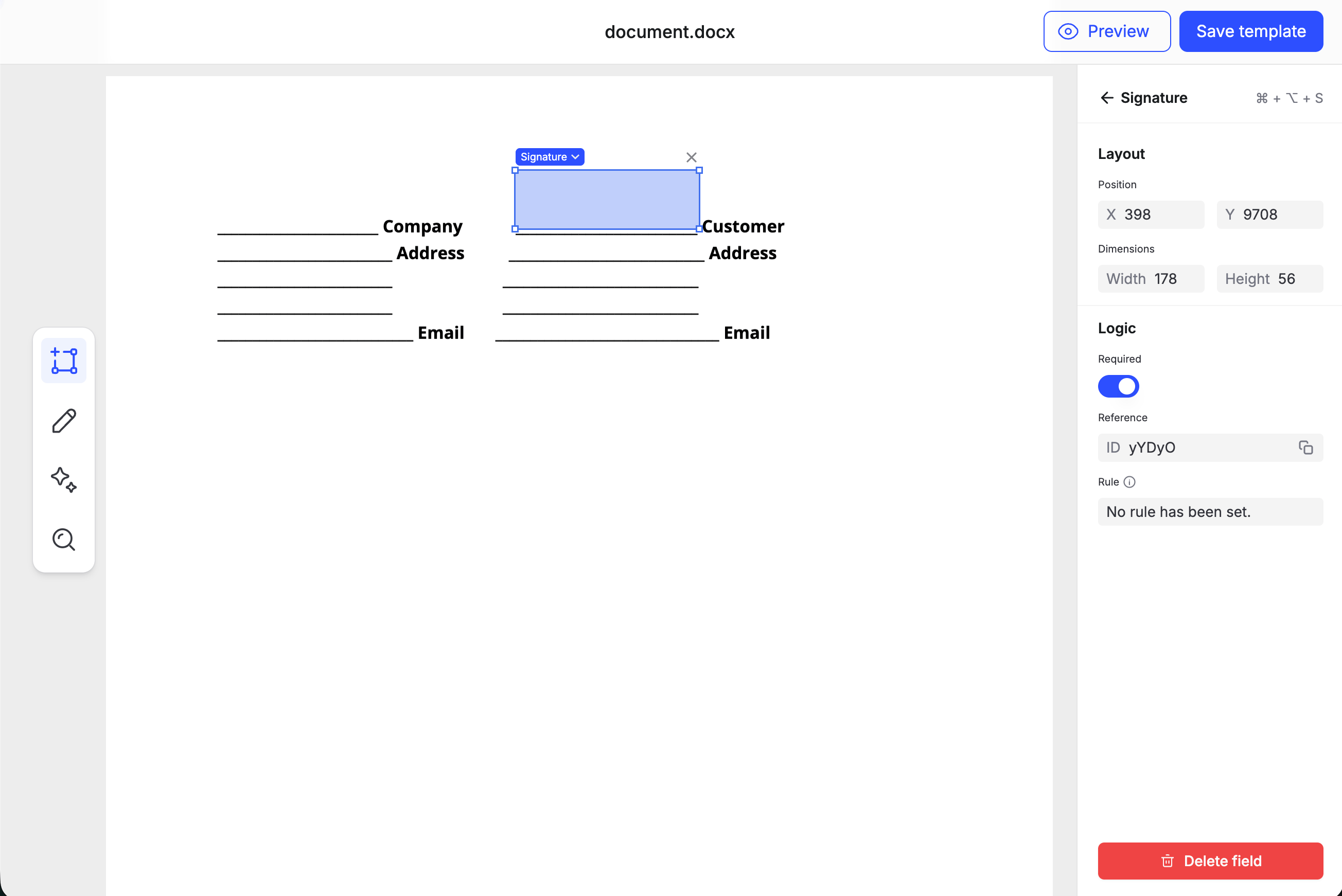
Open the editUrl in a browser to place signature, text, and date fields on the document. Assign each required field a signer role (for example Client). See Embedded templates.
Place a Signature field on the document, then click Save template.
2
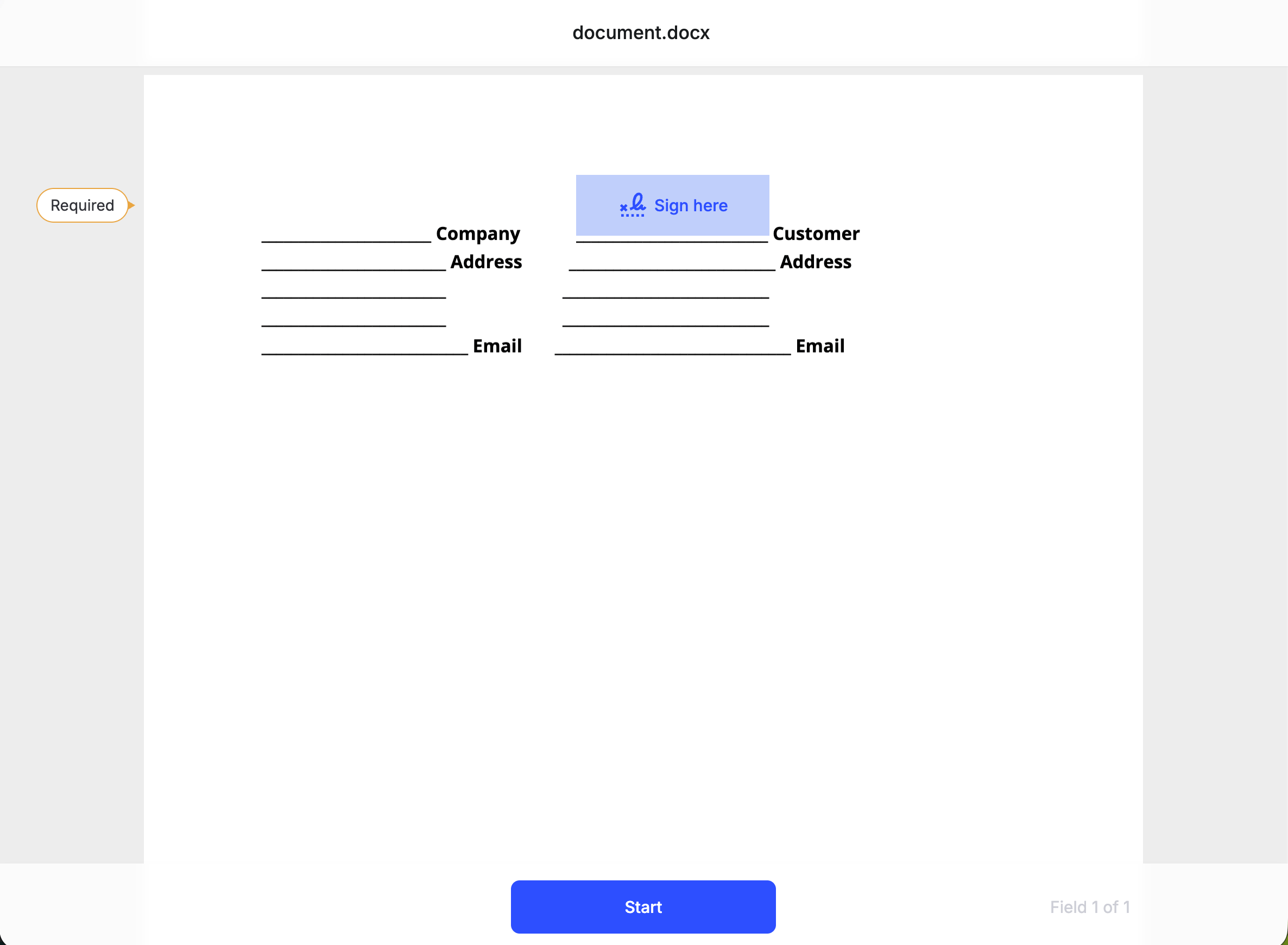
Create an embedded signature request
Create a signature request from the template. Provide signers (who signs, with a role that matches required field roles on the template). sender is optional and defaults to the API key organization owner.