Create a Formable account, organization, API keys, and webhooks so you can call the API: all in less than 5 minutes.
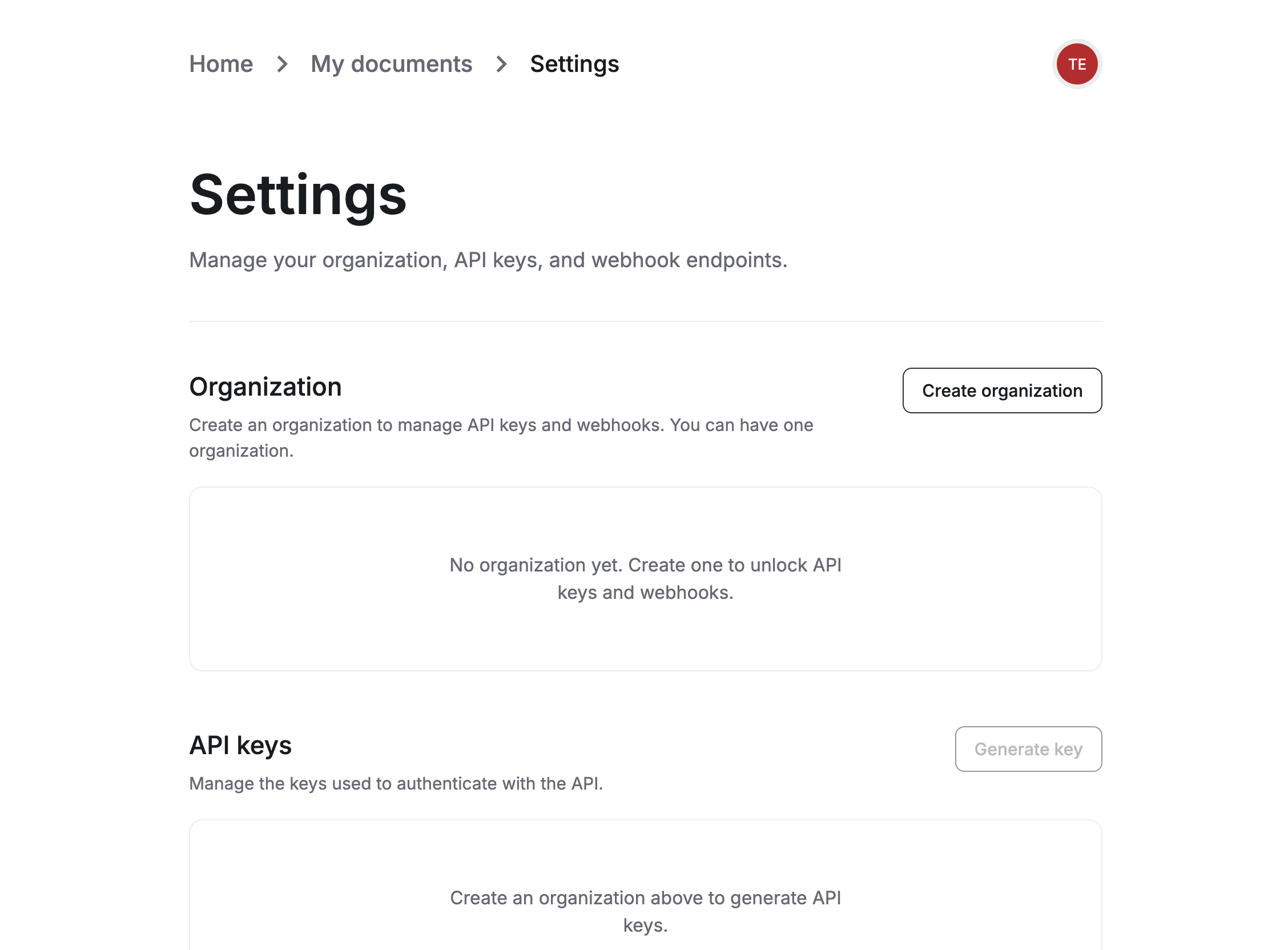
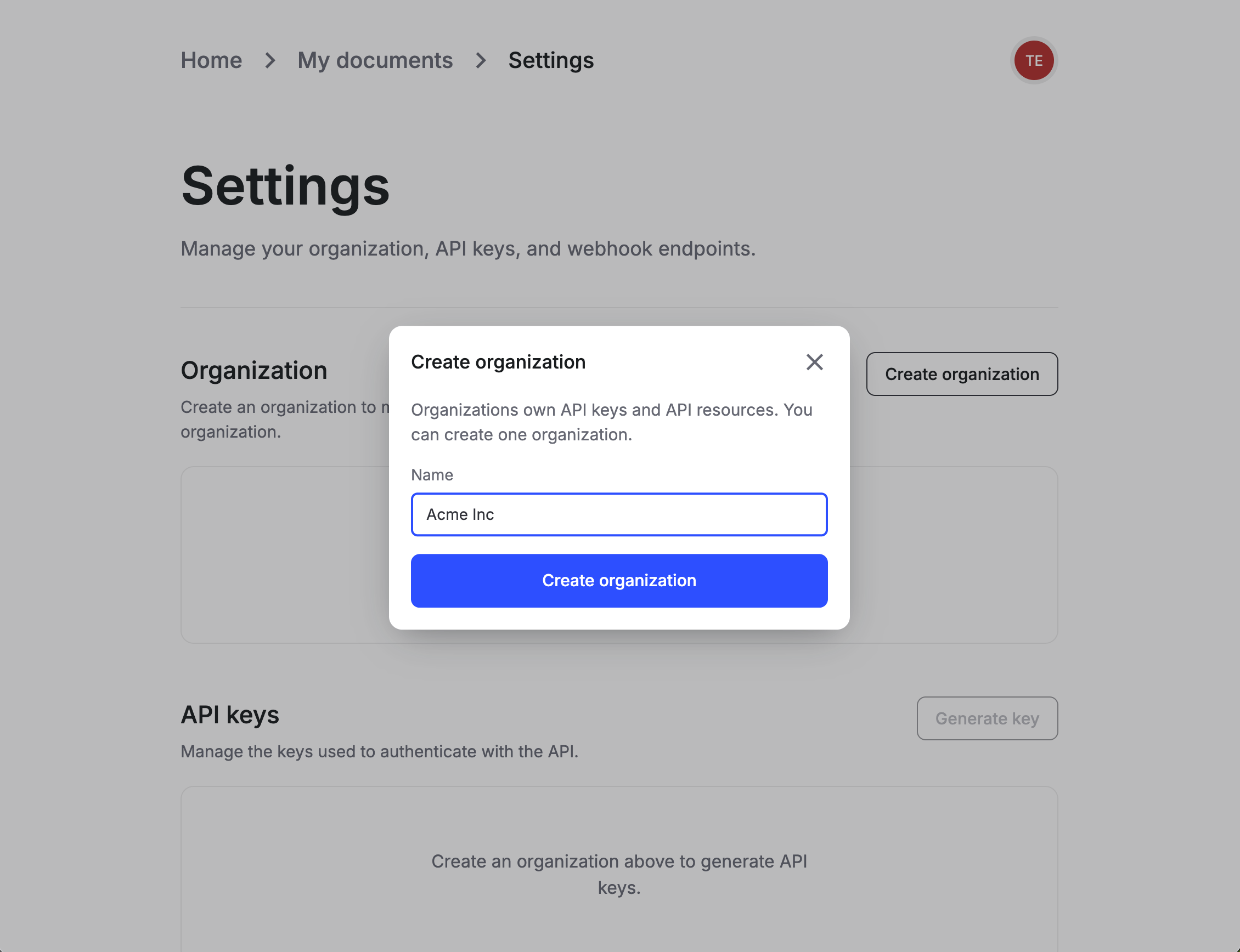
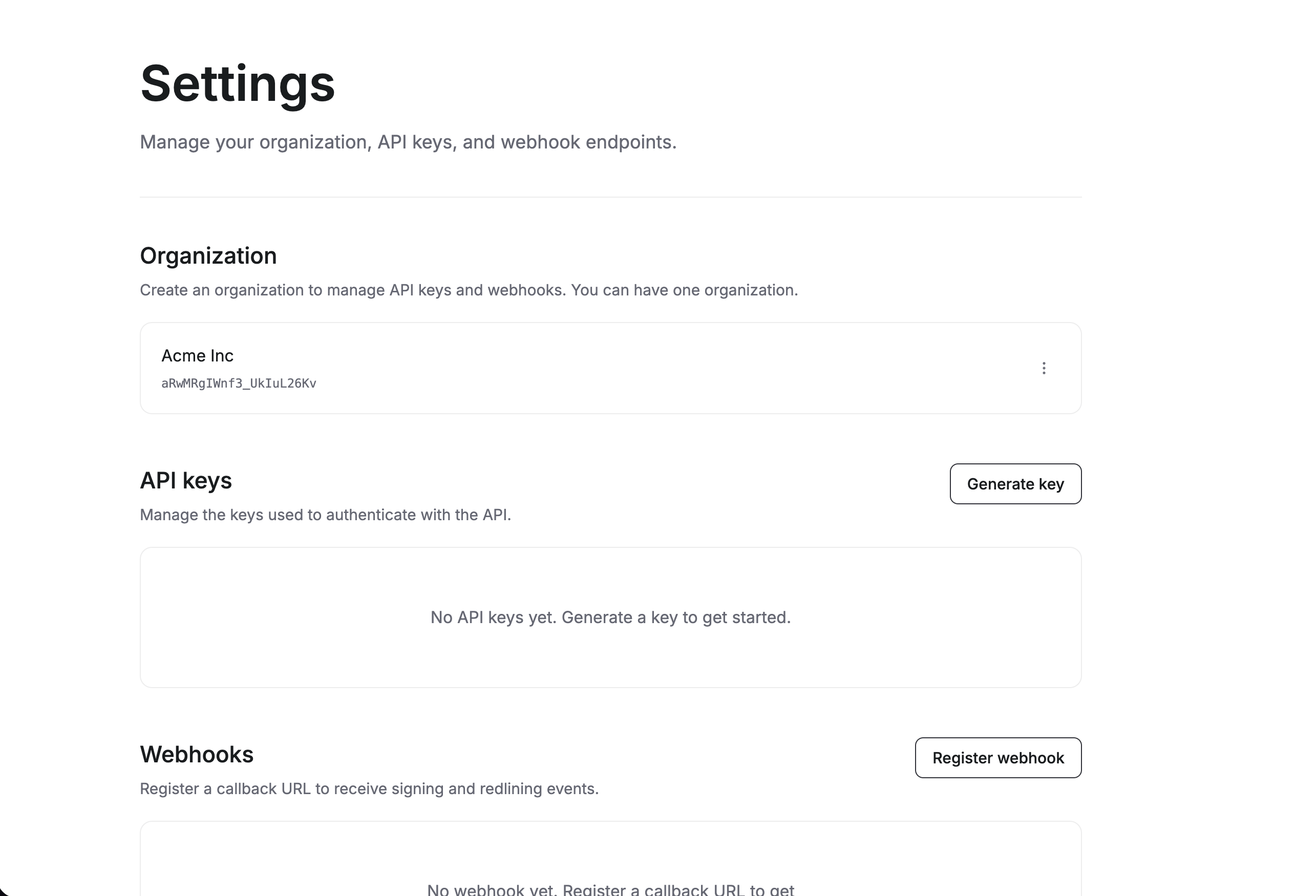
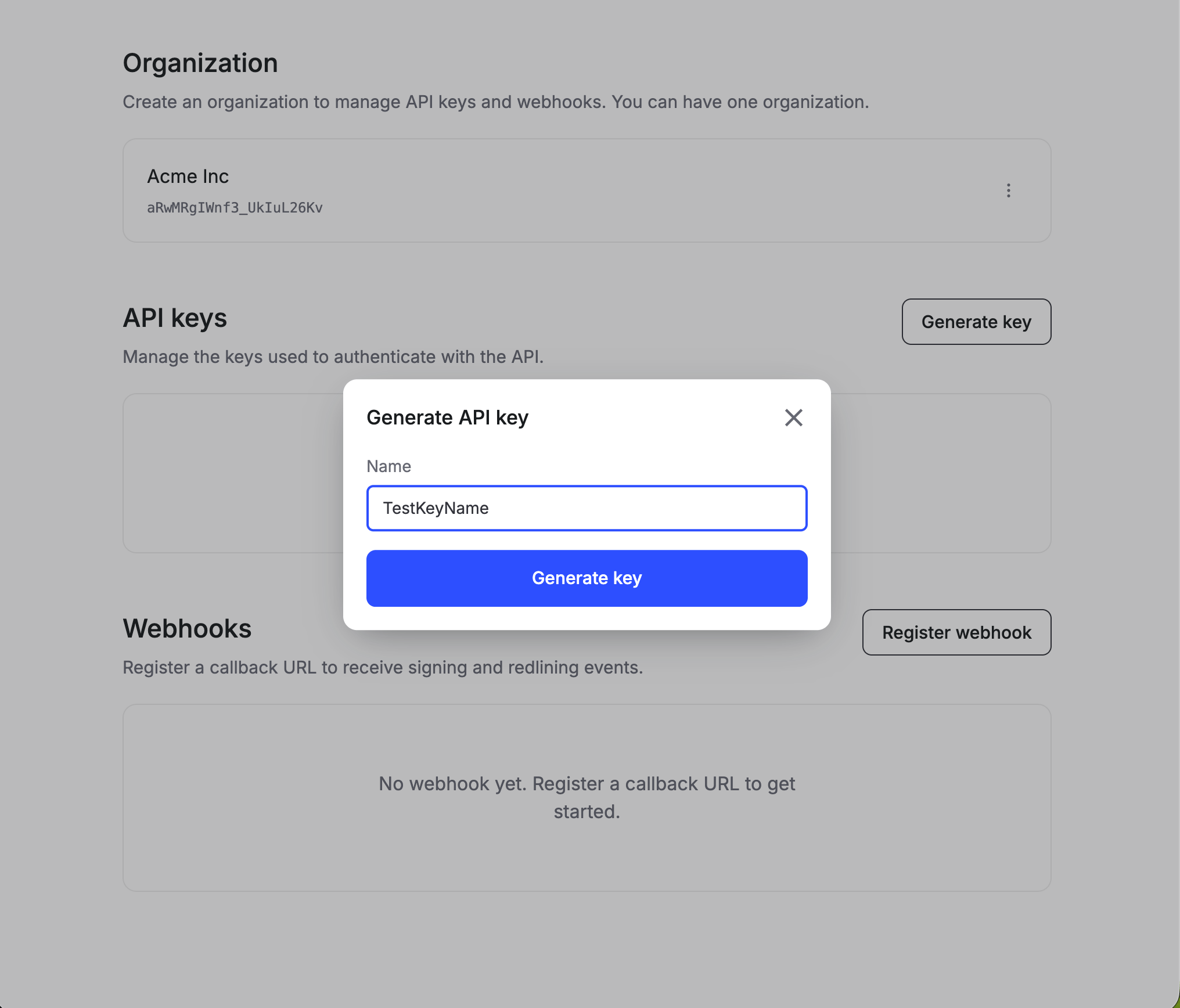
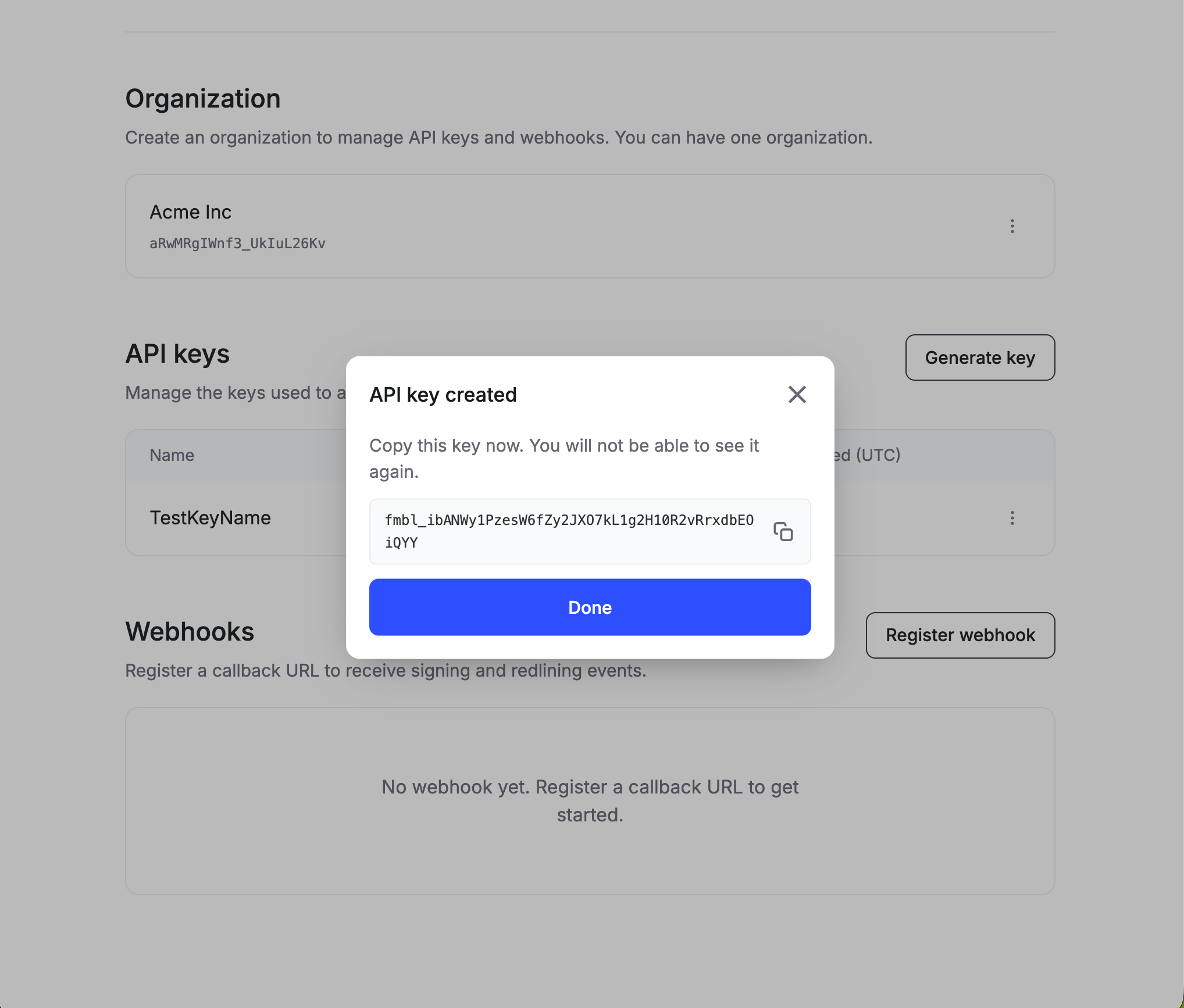
To use the Formable API, create an account, add an organization, then generate an API key. Optionally register a webhook to receive signing and redlining events.
Webhooks notify your app when documents are viewed, signed, or updated in a redline workflow. Each organization has one webhook URL. See Webhooks overview for delivery details.
1
Register a callback URL
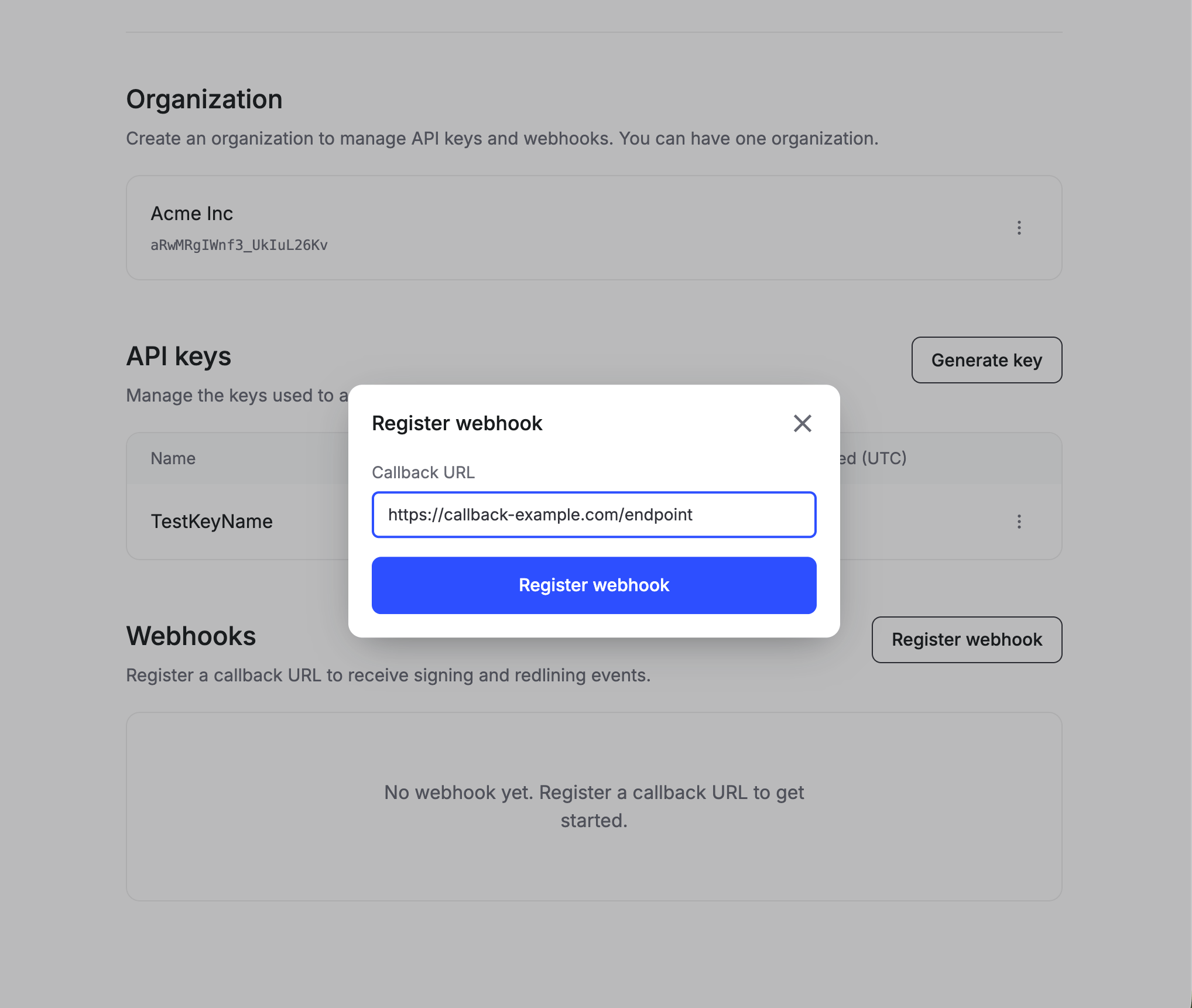
In the Webhooks section, click Register webhook, enter an HTTPS callback URL, and confirm.
Enter the HTTPS URL that should receive events.
2
Save the signing secret
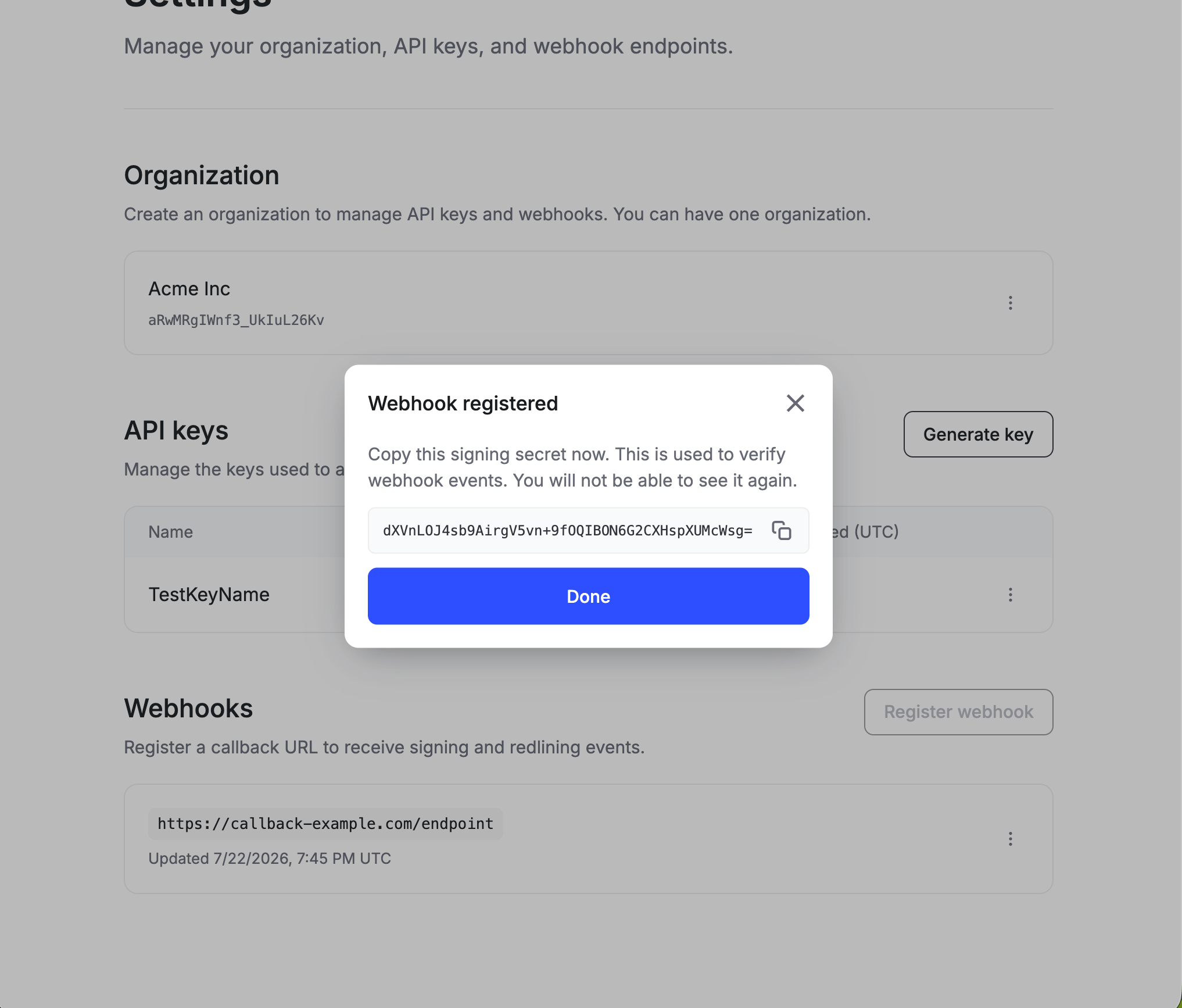
Copy the signing secret when it’s shown and store it as an environment secret. You’ll use it to verify webhooks. Formable does not show the secret again. You may rotate secrets if need be.
Copy the signing secret before you click Done.
Production callback URLs must use https://. After registration you can edit the URL, rotate the secret, or delete the endpoint from the actions menu next to your webhook.